
Anyone there after hours
Draw around the door, the till, the stock or the yard. A person there once you've closed is an alert with the picture.
GoKavach is CCTV monitoring for small businesses that uses the cameras and recorder already installed. It checks each camera every few seconds and, when someone is on the premises after hours, sends the owner a WhatsApp with the picture, then a phone call on Pro or Business, then tells the next person. One camera is free and there is no hardware to buy.
Free forever for 1 camera · no card · uses your cameras
Free: app and email alerts. WhatsApp from Starter (₹999 a month in India), phone calls from Pro. See plans
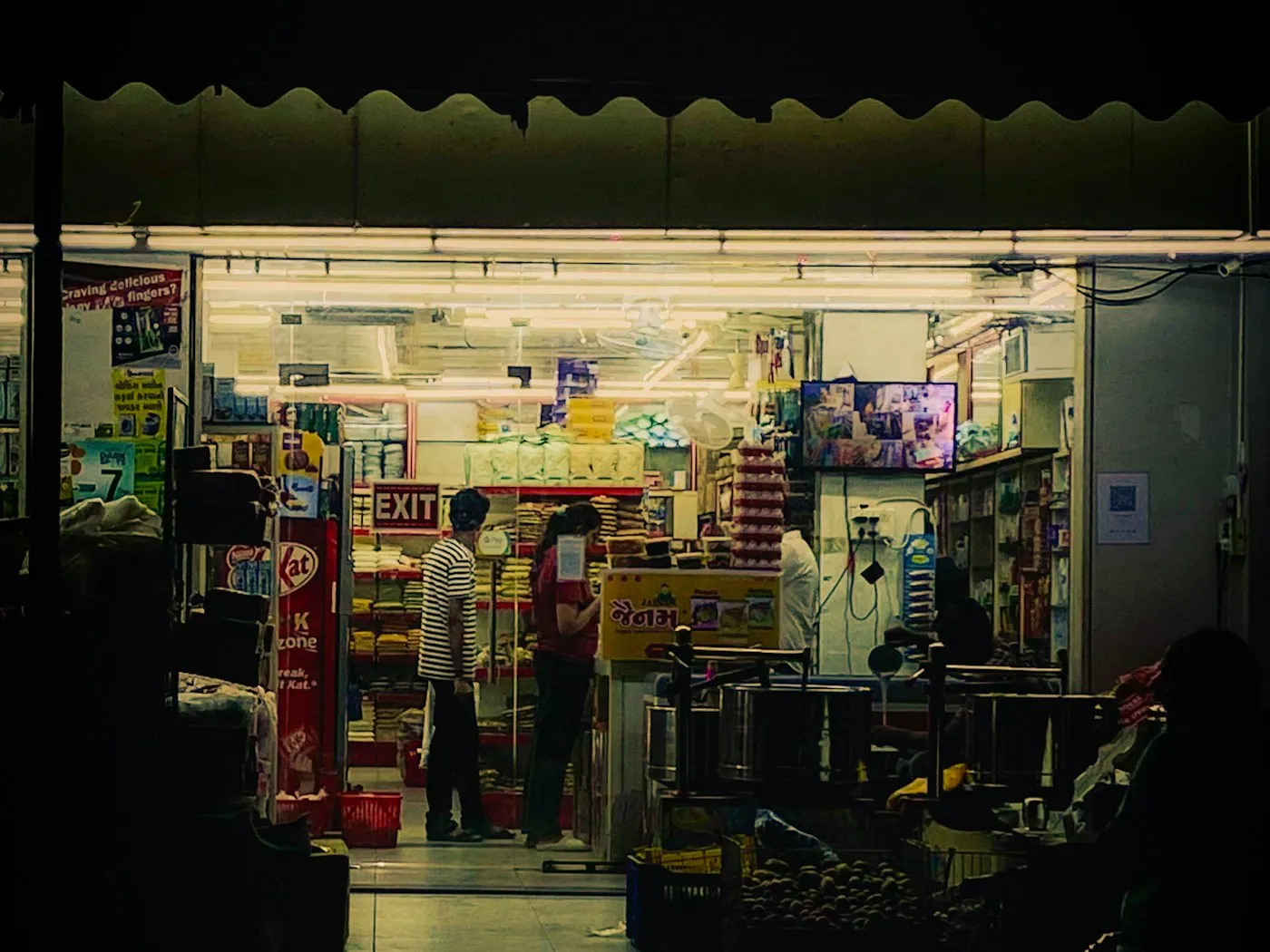
Draw around the door, the till, the stock or the yard. A person there once you've closed is an alert with the picture.
Set the hours once, with closed dates for holidays. The premises arm and disarm themselves, and you're reminded if they haven't.
If you don't respond, the next person is told. A small business has no control room, so the list does that job.
A picture and clip of every alert, kept 30 to 180 days depending on plan.
A camera offline, a lens covered while armed or, on Hikvision and Dahua type recorders, a failed disk is reported, so the system isn't found dead on the day you need it.
It reads the recorder you have. No new cameras, no technician visit, no fixed term.
No cameras to buy, no technician visit. Just your CCTV recorder's login, or we'll set it up with you.
Pick your CCTV recorder's brand and enter its login. Don't have it? We'll connect it with you on a free call.
Draw around the shutter, the back gate or the cash counter, and pick the hours to watch it.
WhatsApp, then a call, then the next person, until someone responds. Open the picture and clip, and mark it seen or a false alarm.
CCTV monitoring means something watches your cameras as events happen and tells a person who can act. Without it, cameras only record, and the recording is watched after the loss. A small business needs monitoring if the premises stand empty at night or at weekends and nobody would notice a break-in until opening time.
Traditionally this meant paying a monitoring centre. GoKavach does the watching with AI: it reads a picture from each camera as often as every 5 seconds on paid plans and every 10 seconds on the Free plan, looks for people, vehicles and animals in the areas you drew, and alerts your own people.
The areas and hours differ by trade, and each has its own page. The common ones:
With GoKavach, the Free plan covers 1 camera and never expires, with email and app alerts and no card. The Starter plan is $19 (₹999 in India) a month for 2 cameras and adds WhatsApp and SMS. The Pro plan covers 8 cameras and 4 team members and adds automated phone calls. Paying yearly costs the same as 10 months.
The price is for the plan, not for each camera, and there is no hardware to buy. You can move between plans or back to Free. The CCTV monitoring cost guide compares this with monitoring centres, alarm contracts and guards.
Three things, which most businesses with cameras already have:
The first person on your list gets a message with the picture. In a small business that is usually the owner, followed by a manager, a business partner or a family member. If the first person doesn't respond, their next channel is tried, then the next person, and the round can repeat.
Whoever answers marks it seen or a false alarm from the notification itself, and resolved later in the app. A false alarm takes one tap and teaches GoKavach to ignore that spot or be more sure next time. It can't stop an intruder or call the police. It gives you the picture and the minutes to do something.
Three: the way in, the thing worth taking, and the place nobody can see from the street. On the Starter plan's 2 cameras, that usually means the door and the till or stock. With 8 cameras on Pro, add the back door, the yard and the office.
Draw each area on the floor, because a person counts when their feet are inside it. Keep the pavement, a neighbour's doorway and a shared corridor out. A camera with no area drawn alerts on people anywhere in its view while you are armed, so a camera that mostly sees the street should have intruder alerts switched off or an area that stops at your threshold. The guide to setting up detection zones covers each case.
There are three ways to run it, and a small business picks by how regular its day is:
Take a small print shop on the Pro plan that closed at 19:00. The owner is first on the list and the business partner second.
The common ones are about the list and the power, not the cameras. A list with only the owner on it fails the night the owner's phone is on silent; add a second person. Quiet hours set too widely on the only contact have the same effect for alerts that aren't critical. A router on the same switch as the shop lights goes off at closing, and GoKavach then reports every camera offline. And hours set to the sign on the door, when staff really leave 40 minutes later, raise an alert every evening; set closing to when the last person is out.
GoKavach is AI monitoring for the CCTV cameras you already have. It watches Hikvision, Dahua, CP Plus and almost any other brand around the clock and, when someone is where they shouldn't be, alerts you within seconds: in the app and by email on every plan, by WhatsApp and SMS on paid plans, and by phone call on the larger ones.
What owners ask before they connect their first camera.
Usually, if one of them sees the way in. Two cameras on the door and the stock or till cover most small premises. One camera is free, so finding out costs only the time to connect it and draw one area.
Not with GoKavach. Paid plans renew monthly or yearly until you cancel. If you cancel, the plan runs to the end of the paid period and then moves to the Free plan, so the first camera keeps working with email and app alerts.
Yes. Choose the recorder's brand, enter its address and login, and draw the areas on the picture. If the internet connection has no fixed address, install the connector app on a computer at the premises. A free 15-minute call is available if you get stuck.
An alarm senses a door opening or movement and sounds a siren. Monitoring looks at the camera picture, decides whether a person is there, and sends that picture to people. Monitoring tells you what is happening; an alarm tells you only that something tripped.
Yes. A location can be a workshop, an office, a yard, a clinic or a store room. You set its hours and draw its areas. Anything with cameras and a time when nobody should be there is a fit. Premises that never empty can still watch a store room or a yard.
Most start on Free with 1 camera on the main door, to see the alerts arrive. The step up is Starter, 2 cameras with WhatsApp and SMS, or Pro, 8 cameras with phone calls and 3 checks in your own words. The camera allowance is shared if the business has a second site.
Still have questions? connect@gokavach.com
Every plan watches every camera around the clock, with intruder alerts in the hours you set. Bigger plans add cameras, people, phone-call alerts and longer storage of alert clips.
Try it on one camera, for as long as you like.
$0
The same in every country
Free forever
For one shop or home.
$19 /month
₹999/month in India
Renews until you cancel
For businesses with a few locations.
$49 /month
₹2,499/month in India
Renews until you cancel
For many locations and larger teams.
$129 /month
₹6,999/month in India
Renews until you cancel
Paid plans start the day you upgrade. Switch or cancel any time from Settings; after cancelling, your plan runs to the end of the paid period, then moves to Free. Prices exclude taxes.
In a free 15-minute call we connect one of your cameras and send a live test alert to your phone. Or start free on your own.