
Someone at the shutter after closing
Draw around the shutter, the back door or the cash counter. Anyone there after hours is a WhatsApp with the picture, then a call, then the next person.
GoKavach is CCTV monitoring for shops that uses the cameras and recorder the shop already has. It checks each camera every few seconds and, when someone is at the shutter, the back door or the cash counter after closing, sends a WhatsApp with the picture, then a phone call on Pro or Business, then tells the next person.
Free forever for 1 camera · no card · uses your cameras
Free: app and email alerts. WhatsApp from Starter (₹999 a month in India), phone calls from Pro. See plans
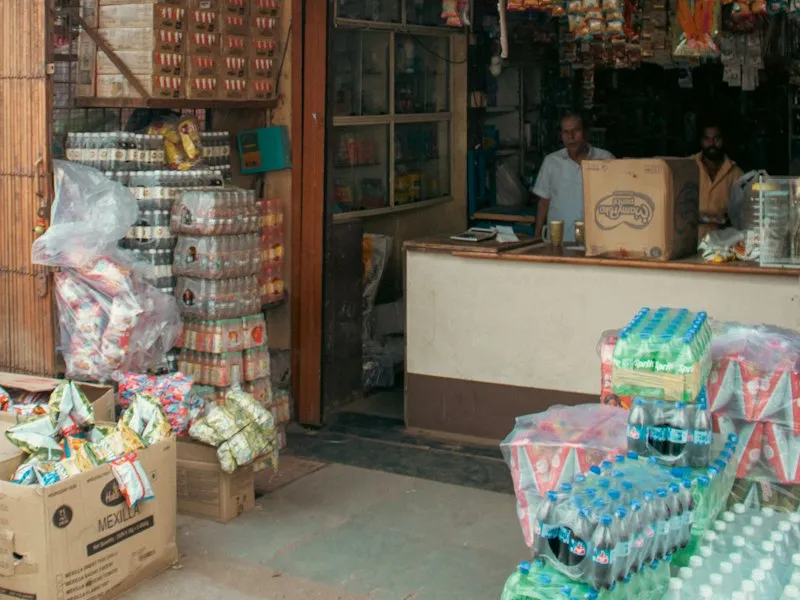
Draw around the shutter, the back door or the cash counter. Anyone there after hours is a WhatsApp with the picture, then a call, then the next person.
Set your opening hours once. The shop arms itself when you close, and reminds you if you forget.
While you're open, know when nobody is at the counter, and when the shop really opened and closed each day.
On paid plans, type what to watch for in your own words and the AI checks the camera for it, and tells you when it becomes true.
Reports show which hours are busiest, how many alerts each camera raised and how quickly they were answered.
A camera that stops sending video is an alert whether the shop is open or shut. On Hikvision and Dahua type recorders, a failed hard disk is an alert too.
No cameras to buy, no technician visit. Just your CCTV recorder's login, or we'll set it up with you.
Pick your CCTV recorder's brand and enter its login. Don't have it? We'll connect it with you on a free call.
Draw around the shutter, the back gate or the cash counter, and pick the hours to watch it.
WhatsApp, then a call, then the next person, until someone responds. Open the picture and clip, and mark it seen or a false alarm.
A shop's CCTV, whether in a corner shop, a kirana store or a general store, normally only records. If someone forces the shutter at 2 AM, the recorder saves it and the owner watches it the next morning. Monitoring changes the order: something looks at the cameras while it is happening and tells a person who can act.
GoKavach does the looking with AI. It reads a picture from each camera as often as every 5 seconds, looks for people, vehicles and animals inside the areas you drew, and only during the hours you chose. A person has to show in 2 of the last 3 checks before it alerts, so a single odd frame doesn't wake you. Read more about how intrusion detection decides what counts.
The first person on your list gets a WhatsApp with the picture. If they don't respond, on Pro and up they get an automated phone call a minute later. If that isn't answered, the next person is told after 2 minutes, and the round can repeat until someone marks the alert seen or a false alarm. This is alert escalation, and you choose the people and the order.
Every alert keeps a picture and a video clip that runs from before to after the moment (5, 10 or 20 seconds each side), for 30 to 180 days depending on your plan, so you can check who it was and share it.
Yes. GoKavach reads the video from the recorder (DVR or NVR) the cameras are already wired to. It works with Hikvision, Dahua, CP Plus and almost any other brand that has an RTSP address, which most recorders do. The exception is a camera that only works through its maker's own app.
If the shop's internet has no fixed address, a small connector app on any always-on computer at the shop links the recorder, with no changes to the router. The guide to adding AI to existing CCTV walks through it.
Shop owners most often switch on these as well:
One camera is free forever, with email and app alerts. A typical small shop uses the Starter plan: $19 (₹999 in India) a month for 2 cameras, with WhatsApp and SMS alerts. Phone calls start on the Pro plan. There is no hardware to buy. If you are weighing it against paying someone to sit at the shop overnight, see the night guard comparison.
Pick the plan by counting the cameras that see a way in or the cash. The shutter and the counter are 2 cameras, which is Starter, with alert pictures and clips kept 60 days. A shop that adds the stockroom, the back door and an outside camera, or wants the phone to ring at night, moves to Pro: 8 cameras, 4 team members and 90 days.
A small shop usually has two to four cameras, and each one gets a different setting:
Take a shop on the Starter plan that closes at 21:30. The owner is first on the list and the owner's brother, who lives two streets away, is second.
Check the switch by the door first. Many shopkeepers turn off the mains when they lock up, and that takes the router or the recorder with it. Both must stay on overnight. If either goes off, GoKavach reports the cameras offline after the delay you set, 1 minute by default, so the first night shows you.
Then stand in the shop with the lights off and look at the recorder's screen. If you can make out a person at the shutter in the night picture, GoKavach can too. Last, send a test alert to each person on the list, so the second contact knows what the message looks like before the night it matters.
GoKavach is AI monitoring for the CCTV cameras you already have. It watches Hikvision, Dahua, CP Plus and almost any other brand around the clock and, when someone is where they shouldn't be, alerts you within seconds: in the app and by email on every plan, by WhatsApp and SMS on paid plans, and by phone call on the larger ones.
What owners ask before they connect their first camera.
No. You set the shop's opening hours and it only raises intruder alerts when the shop is closed. While you're open, the only alerts are the ones you switch on, such as the counter being left empty for 5 minutes.
Yes. Add the manager as a contact and put them first on the list. You can be second, so you are only told if the manager doesn't respond, and each person can set quiet hours for everything except critical alerts.
Yes, as long as the camera can see. Most CCTV cameras switch to infrared at night, and GoKavach reads that picture the same way. If a camera's night picture is too dark to make out a person, it can't be relied on for alerts.
No. Add each shop as a location in one account, with its own hours and its own people. Each manager can be limited to their own shop, and you see every shop in one place. The plan's camera allowance is shared between the shops.
Yes. Each weekday can have several opening windows, so the shop is armed during the lunch break and all through the weekly day off. Holidays go in as closed dates. If you open on a closed day, disarm by hand from the dashboard; you get a reminder if the shop is still disarmed 30 minutes after closing time.
No intruder alerts can be raised while GoKavach can't reach the cameras. Each camera is reported offline after the delay you set, 1 minute by default, by app notification, email and the other channels on your plan. The recorder keeps recording to its own disk, and alerts start again when the connection returns.
Still have questions? connect@gokavach.com
Every plan watches every camera around the clock, with intruder alerts in the hours you set. Bigger plans add cameras, people, phone-call alerts and longer storage of alert clips.
Try it on one camera, for as long as you like.
$0
The same in every country
Free forever
For one shop or home.
$19 /month
₹999/month in India
Renews until you cancel
For businesses with a few locations.
$49 /month
₹2,499/month in India
Renews until you cancel
For many locations and larger teams.
$129 /month
₹6,999/month in India
Renews until you cancel
Paid plans start the day you upgrade. Switch or cancel any time from Settings; after cancelling, your plan runs to the end of the paid period, then moves to Free. Prices exclude taxes.
In a free 15-minute call we connect one of your cameras and send a live test alert to your phone. Or start free on your own.