
The stockroom and back door
Draw around the stockroom door, the delivery door and the cigarette cabinet. A store that never closes can stay armed all the time with areas only around these, so customers at the front raise no alert.
GoKavach is CCTV monitoring for convenience stores that works on the cameras already above the till and the aisles. It checks each camera every few seconds and tells the owner or shift manager by WhatsApp, then a phone call on Pro or Business, when someone is in the stockroom, at the back door or inside the store after it has closed.
Free forever for 1 camera · no card · uses your cameras
Free: app and email alerts. WhatsApp from Starter (₹999 a month in India), phone calls from Pro. See plans
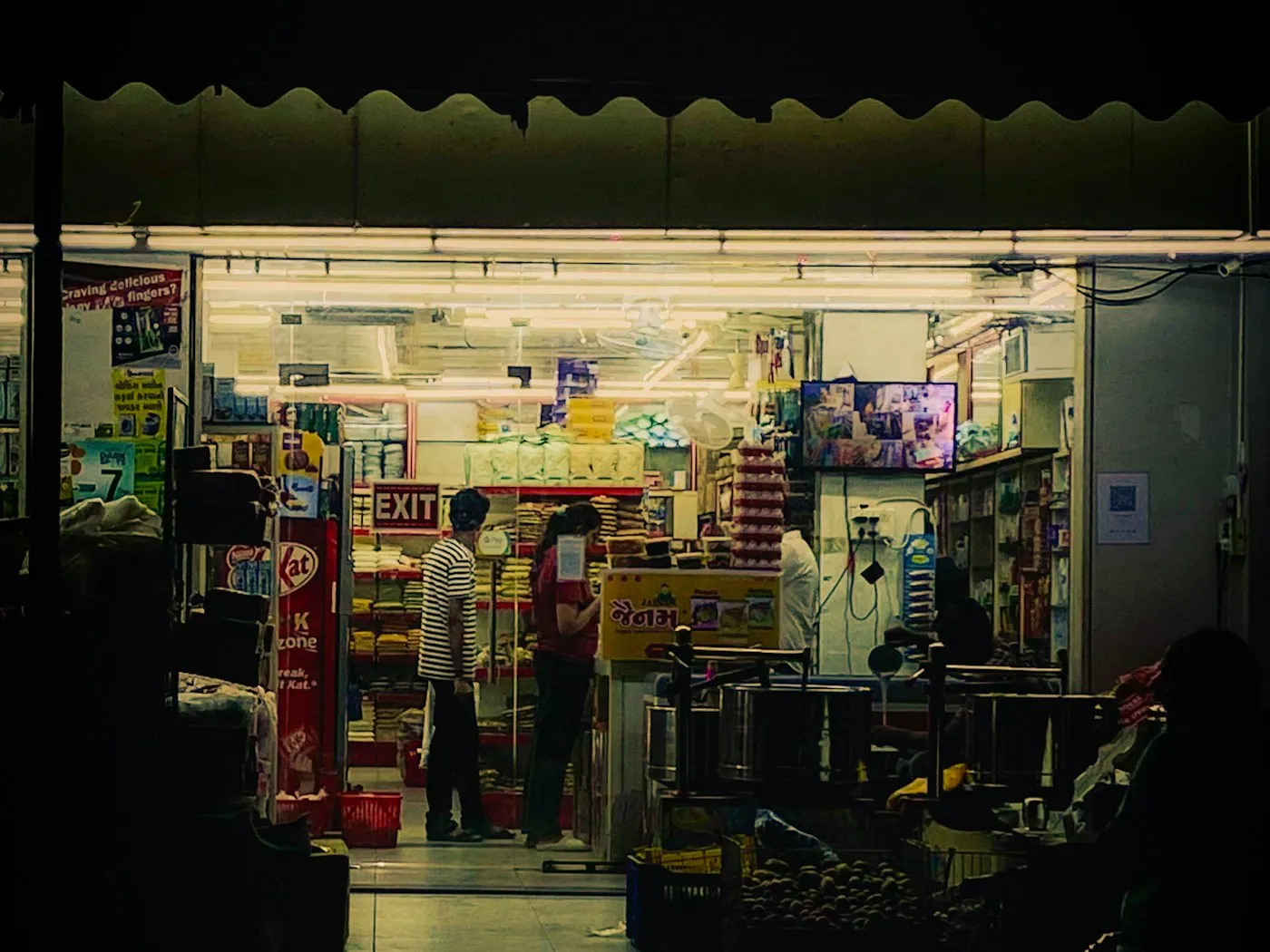
Draw around the stockroom door, the delivery door and the cigarette cabinet. A store that never closes can stay armed all the time with areas only around these, so customers at the front raise no alert.
If nobody has stood behind the counter for 5 minutes during opening hours, the manager is told, so the till and the tobacco shelf aren't left alone.
A clerk working alone can press the panic button in the app. Each person on the list is alerted on every channel they have together, quiet hours ignored.
While the store is armed, a person who stays near the entrance or the cash machine for about 2 minutes is an alert. A customer walking in and out is not.
A lens sprayed or turned to the ceiling while the store is armed, or a camera unplugged at any hour, raises its own alert, as does a recorder whose hard disk has failed.
GoKavach records when the store opened and closed each day, and reports show the busiest hours at the counter.
No cameras to buy, no technician visit. Just your CCTV recorder's login, or we'll set it up with you.
Pick your CCTV recorder's brand and enter its login. Don't have it? We'll connect it with you on a free call.
Draw around the shutter, the back gate or the cash counter, and pick the hours to watch it.
WhatsApp, then a call, then the next person, until someone responds. Open the picture and clip, and mark it seen or a false alarm.
GoKavach reads a picture from each of the store's cameras as often as every 5 seconds and looks for people in the areas you drew. A convenience store usually has a camera over the till, one or two down the aisles, one at the door and one at the back. Each of those can do a different job.
The till camera can tell you when the counter is empty. The back camera can raise an intrusion alert when someone is at the delivery door at night. The door camera can flag a person who stays outside without coming in. You pick what each camera watches for, and during which hours.
A store that never closes still has places nobody should be at 3 AM. Watching those, and the one person on shift, matters more than watching the front door. There are two ways to set it up: leave the store armed all the time, by setting no opening hours, and draw areas only around the places nobody should be; or set opening hours so it disarms by day and arms at night. A camera with no area drawn alerts on people anywhere in its view while armed, so switch intruder alerts off on cameras that only see public space.
The person who can act soonest, which is usually the shift manager or the owner who lives nearest. Put them first, the owner second and a trusted neighbour or relative third. Each person is tried on their own channels in order, then the next person is told, until someone marks the alert seen or a false alarm.
For a store with a clerk on the night shift, add the clerk as a team member who handles alerts. They see the same picture on their phone and can press the panic button themselves.
Yes, in most cases. Convenience stores, like the corner shops, kirana stores and general stores that do the same job, are usually wired to a 4 or 8 channel recorder, and GoKavach reads that recorder's video over RTSP. A whole DVR can be added in one step, or one camera at a time. Brands such as Hikvision, Dahua, CP Plus and Uniview have presets, and any other RTSP address can be pasted in.
If the store's internet has no fixed address, the site connector runs on the back-office computer and links the recorder without touching the router. A camera that only works through its maker's own app can't be connected.
Free forever for 1 camera, with email and app alerts, which is enough to try it on the back door. The Starter plan is $19 (₹999 in India) a month for 2 cameras with WhatsApp and SMS. A store with a full recorder usually takes the Pro plan, which covers 8 cameras and adds phone calls. The price is for the plan, not for each camera, and alert pictures and clips are kept for 30 to 180 days depending on the plan.
In a 24-hour store left armed, the shift manager gets the picture within seconds while the clerk is still serving at the front. Take a store on the Pro plan with the default timings. The back camera is checked every 5 seconds and once a second during motion. At 3:05 a person walks past the drinks fridge and into the area drawn at the stockroom door, and is seen in 2 of the last 3 checks with their feet inside it.
The shift manager gets the app notification and a WhatsApp with the picture. One minute later, with no response, the next channel is used, which on Pro is a phone call. After a 2-minute gap the owner is tried the same way, then the relative who lives nearby. If the picture shows the clerk fetching a case of water, one tap on False alarm ends it. If it doesn't, the manager phones the clerk or the police with the picture already in hand.
Decide by cameras and by who presses the panic button. The button is in the app and works for team members whose role lets them handle alerts, so each clerk who should have it needs a team-member seat. Starter has 2 seats, enough for the owner and one clerk. Pro has 4, which covers the owner, a manager and two clerks sharing the night shifts.
On cameras, Starter covers the back door and the till. Pro adds the aisles, the entrance, the stockroom and the forecourt or car park, up to 8 in all. People who only need telling, such as a relative or a neighbouring shopkeeper, go on the alert list as contacts. The list has up to 10 escalation steps and they don't need to sign in.
Three come up in stores that never close, and each has a plain fix:
GoKavach is AI monitoring for the CCTV cameras you already have. It watches Hikvision, Dahua, CP Plus and almost any other brand around the clock and, when someone is where they shouldn't be, alerts you within seconds: in the app and by email on every plan, by WhatsApp and SMS on paid plans, and by phone call on the larger ones.
What owners ask before they connect their first camera.
Yes. A 24-hour store has no closing time to arm by, so set no opening hours and it stays armed. Draw areas only around the stockroom, the office and the back door: customers elsewhere raise no alert, and someone lingering in an area is flagged. The till-left-empty alert runs only while a store is open, so it isn't watched in this setup.
No. Intrusion alerts only come from the areas and hours you choose. Customers walking the aisles of an open store are ignored. A person has to show in 2 of the last 3 checks, with their feet inside the area, before anything is sent.
The clerk opens GoKavach on their phone, picks a camera and presses the panic button. That raises a critical alert with the camera's picture and a clip. The app notification goes out straight away, then each contact is told on each of their channels about 30 seconds apart, one person after another. It does not contact the police; one of your people has to.
Yes. Live view opens in the browser on a phone or computer, and the dashboard can be added to a phone's home screen like an app. On Hikvision, Dahua and Uniview type recorders you can also play back the recorder's own footage on a timeline.
While the store is armed, that is an alert of its own. GoKavach notices when a camera's picture is covered, blurred or pointed somewhere else and tells the first person on the list. A camera that goes offline is reported after the delay you set, which is 1 minute unless you change it.
Only on Dahua and CP Plus cameras that have their own siren and light, and Hikvision or Prama ones added directly rather than through a recorder, or a siren wired to a Hikvision or Prama recorder's alarm output. GoKavach can sound it for 15 seconds from the alert, or automatically when nobody acknowledges within the target time you set. It is a siren and a light, not a voice, and other brands can't do it.
Still have questions? connect@gokavach.com
Every plan watches every camera around the clock, with intruder alerts in the hours you set. Bigger plans add cameras, people, phone-call alerts and longer storage of alert clips.
Try it on one camera, for as long as you like.
$0
The same in every country
Free forever
For one shop or home.
$19 /month
₹999/month in India
Renews until you cancel
For businesses with a few locations.
$49 /month
₹2,499/month in India
Renews until you cancel
For many locations and larger teams.
$129 /month
₹6,999/month in India
Renews until you cancel
Paid plans start the day you upgrade. Switch or cancel any time from Settings; after cancelling, your plan runs to the end of the paid period, then moves to Free. Prices exclude taxes.
In a free 15-minute call we connect one of your cameras and send a live test alert to your phone. Or start free on your own.